ImmoVid

From photo folder to video in four steps

This guide shows exactly what your team will see. No jargon, no training needed, labelled in plain language.

Schritt 01

Fotos auswählen

Drag the folder onto the overview. ImmoVid reviews every photo, recognises the rooms and sorts them like a walkthrough. One click on a photo takes it out, a second puts it back. The star marks photos that must appear.

  • Landscape, volle Auflösung, möglichst ohne Wasserzeichen
  • Zehn bis fünfundzwanzig Fotos aus einem Shooting
  • Floor plans and close-ups are sorted out by the software itself
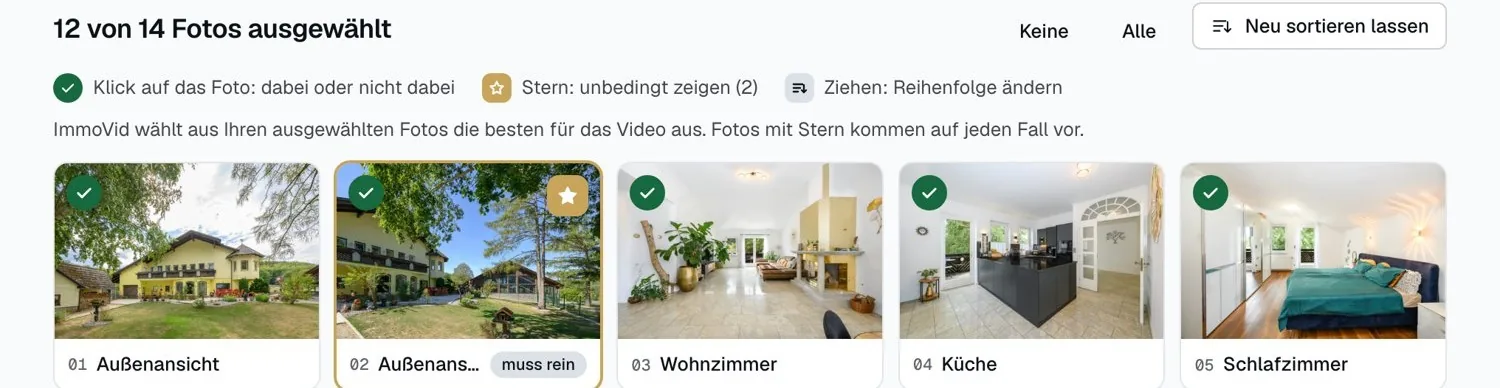
Fotoauswahl mit Haken und Stern

Schritt 02

Art des Videos wählen

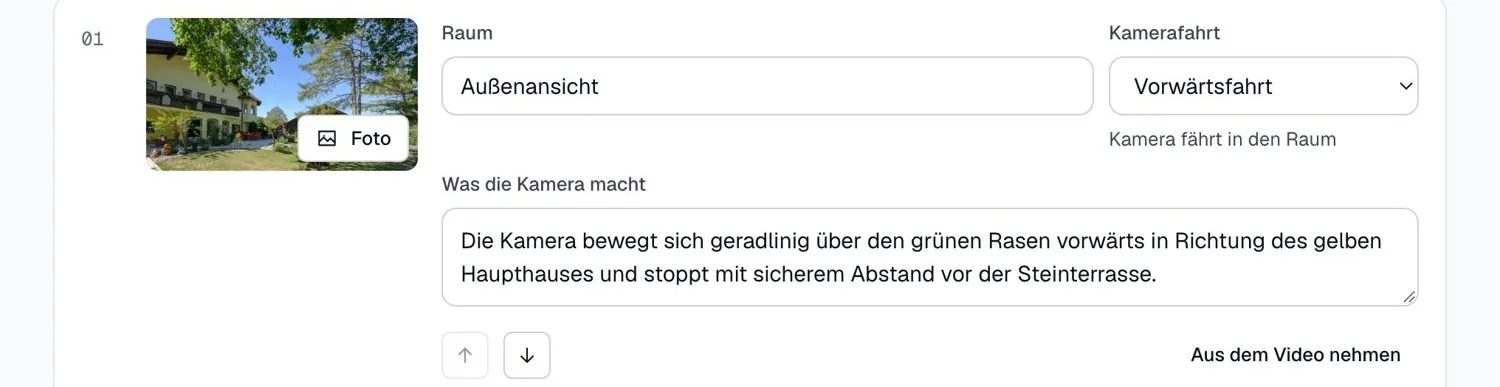
A classic walkthrough, the exterior in focus, or a short cut for social media. Then the plan is set: per clip one photo, one camera move and one sentence on what the camera does. All of it can be rewritten in your own words.

  • Vorwärtsfahrt: Die Kamera fährt in den Raum hinein
  • Kranfahrt: Die Kamera steigt nach oben, gut für hohe Decken
  • Arc move: the camera travels around a kitchen island or a table
Planansicht mit Kamerafahrten

Schritt 03

Clips prüfen

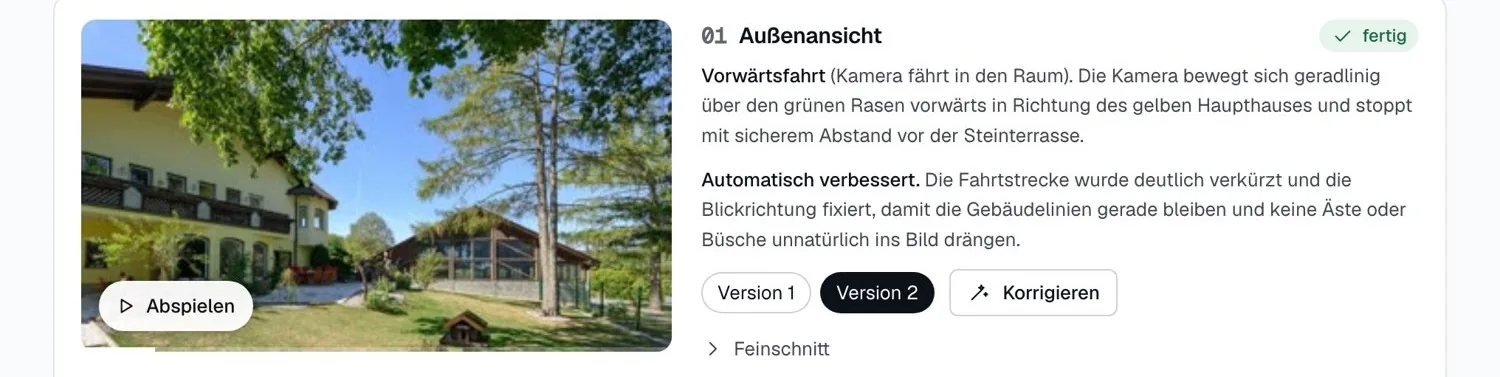
One click creates every clip. Each is checked automatically and anything odd is made again at no extra cost. If something still bothers you, write it in one sentence and the software applies it.

  • "Something is moving along at the bottom of the frame."
  • „Bitte näher an die Fensterfront fahren.“
  • „Die Kamera soll früher stehen bleiben.“
Clips mit Prüfung und Korrekturfeld

Schritt 04

Schneiden und verteilen

The timeline shows every clip with its length. Pick the pace, add music, set the volume, place the logo. Then download, create the vertical cut, or send a link.

  • Calm for website and brochure, dynamic for social media
  • Neu schneiden kostet nichts und geht beliebig oft
  • Der Teilen-Link läuft nach der gewählten Zeit von selbst ab
Schnittleiste, Music and logo

What makes a good photo

The video can only show what is in the photo. These four points decide the result.

Wide shots

The camera needs depth. A room that reaches through to the window makes for a good move.

Landscape

Portrait shots cannot be cropped cleanly to 16:9 and are sorted out.

One shoot

Fotos aus einem Termin haben dasselbe Licht. Das Video wirkt dadurch ruhiger.

No watermarks

Eingeblendete Logos können im Video flackern. Die Originale ergeben das beste Ergebnis.

You will see it best on a listing of your own.

Send us the photos, the first video is free.

Get a free test video